Personalised book with a photo: how does your child become the illustrated hero of their story?
By Piklo · November 22, 2026 · 7 min read
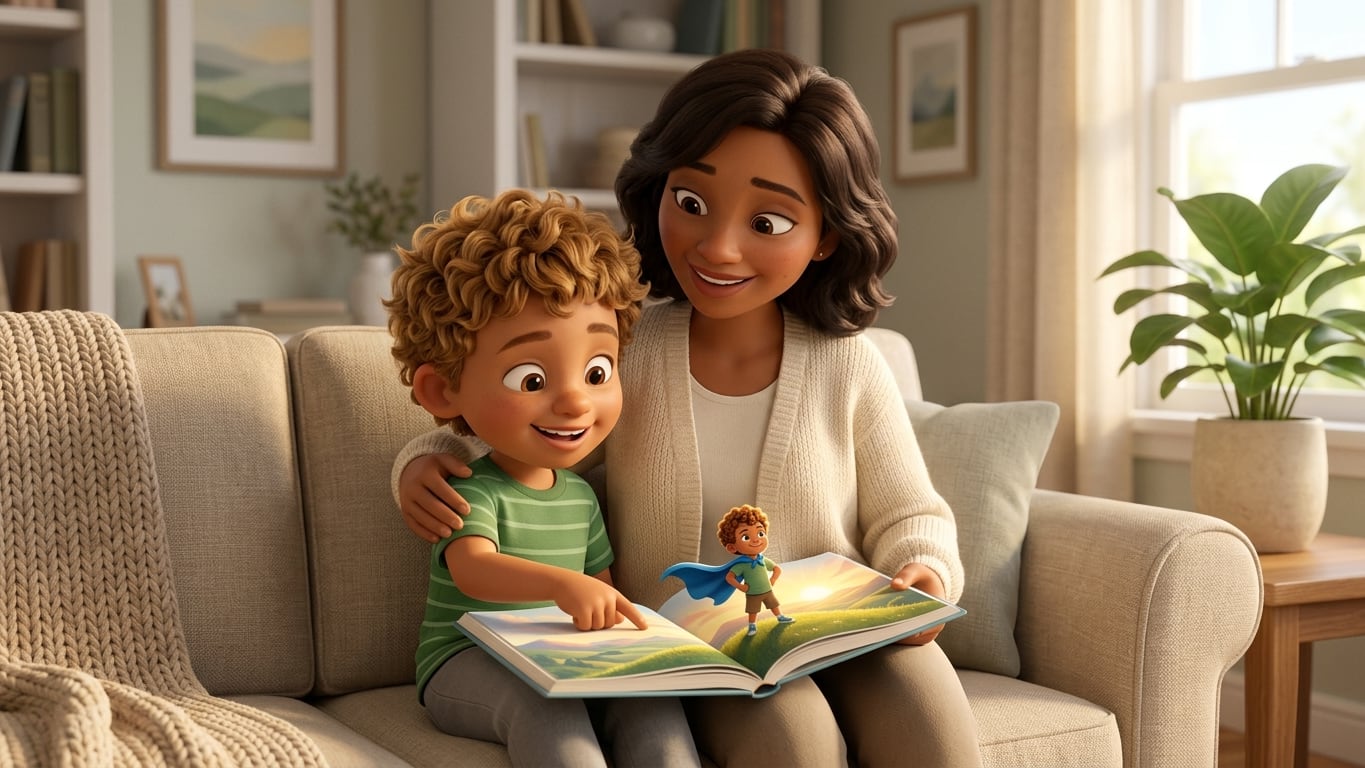
A personalised book with a photo uses a picture of your child so they can recognise themselves in the story, whereas a name-only book simply prints their name in the text. There are two formats: the photo inserted as it is (the face is cut out and placed on a drawn character) or the photo used as a model for a fully illustrated character who looks like your child. Before you order, choose a sharp, recent, front-facing photo and check what the publisher does with the image once the book is printed.
What is a personalised photo book for children?
A personalised photo book is a picture book whose hero takes on the child's real appearance, based on an image sent by the parents. The text usually includes the child's name too, and sometimes their age, hometown or the name of their favourite cuddly toy.
Two techniques exist side by side:
- The photo inserted as it is: the child's face is cut out and placed on the body of a drawn character, page after page. The likeness is very strong, since it really is their face, but the contrast between a real photo and an illustration can look a little like a collage.
- A character illustrated from the photo: the photo serves as a reference for an illustrator or a design tool to draw a hero who shares the child's features (hair colour and style, skin tone, eye colour, glasses, freckles). The face is drawn in the same style as the rest of the book.
Some services ask for no photo at all and instead let you build an avatar by choosing these features from a list. It is a third option, useful if you would rather not share an image.
Photo book or name-only book: what difference does it make for a child?
The main difference between a photo book and a name-only book is visual recognition. With the name alone, a child identifies with the hero through the sound of their name read aloud; with a picture that looks like them, they can recognise themselves before they can read.
This gap matters most for the youngest children. Toddlers gradually learn to recognise themselves in a mirror or a photo, at a pace that varies a lot from one child to another, and they don't always connect a character who shares their name with themselves straight away. For a toddler, pointing at their own face on the page can become a playful way to make the book their own.
From around 3 or 4, the name carries more weight: the child hears it, eventually spots it in print and enjoys finding it in the dialogue. A likeness is still appreciated, but it is no longer essential for them to step into the hero's shoes. For a wider look at what children gain from seeing themselves as the hero, read Why give a book where your child is the hero.
Inserted photo or illustrated character: which format should you choose?
Choosing between an inserted photo and an illustrated character depends mainly on the look you want and how long you expect the book to be read.
An inserted photo suits you if you want an immediate, unmistakable likeness, for example for a toddler or for a keepsake book that captures their face at a specific age. The drawback: children grow fast, and a two-year-old's face in a book still read at 5 may make them smile… or feel a bit awkward.
An illustrated character suits you if you value visual harmony and a book that ages well. A drawn hero keeps distinctive features (curls, glasses, a fringe or bangs) without freezing a particular age, so the child keeps recognising themselves for several years.
A few pointers to help you decide:
- Look at complete sample pages, not just the cover: consistency is judged on the inside pages.
- Check whether you get a preview of your book before printing and whether you can adjust the character.
- Ask whether several children (siblings, cousins) can appear in the same story.
For the full list of things to check (paper, binding, quality of the writing, delivery times), see How to choose a personalised book for your child.
Which photo should you choose for a personalised book?
The right photo for a personalised book is a recent, sharp portrait taken from the front in daylight, with the child's whole face visible. This applies whether the book uses an inserted photo or an illustrated character: a blurry photo gives a rough collage in the first case and a character who looks little like your child in the second.
What to check before uploading the image:
- Framing: face looking straight ahead or turned very slightly, head and shoulders in the frame, child alone in the picture.
- Lighting: natural light near a window, no backlighting and no heavy shadow across half the face. Avoid flash, which flattens features.
- Clear face: no dummy or pacifier, hat, sunglasses or hand in front of the mouth. If your child wears glasses every day, keep them on: they are part of who they are.
- Expression: a relaxed face or a gentle smile. Pulled faces and big belly laughs distort features.
- How recent: a photo less than three months old for a child under 3, who changes very quickly; up to about six months for older children.
- File quality: the original file from your phone rather than a screenshot or an image forwarded through a messaging app, which often compresses it.
- No filters: no beauty effects or edits, which can change skin or eye colour.
If the service allows it, add a second photo showing the hairstyle from the side or back: it helps reproduce a ponytail, braids or curls.
Personalised book with photo and name: how do you combine the two?
A personalised book with both a photo and the child's name combines visual likeness with personalised text, which gives the most complete sense of identification. Most photo-based books include the name by default anyway.
To make the whole thing work, a few precautions:
- Check the spelling of the name in the preview, including accents and variants: a "Zoe" instead of "Zoë", or "Aiden" instead of "Aidan", stands out on every page.
- Use the name your child actually hears: if everyone calls her Lottie, a book for "Charlotte" will mean less to a 3-year-old.
- Make the most of extra fields when they exist: the name of a cuddly toy, a pet, brothers and sisters. These details are often what makes a child laugh.
- Keep image and text consistent: if the story describes the hero, the description should match the drawn character.
Privacy: what should you ask before sending a photo of your child?
Before sending a photo of your child to a personalised book service, find out who keeps it, for how long and for what purpose. This information should be in the privacy policy; if it is missing or vague, contact customer service before you order.
Questions to ask:
- Retention: is the photo deleted after printing, after a set period, or kept indefinitely?
- Use: is it used only to create your book, or also for marketing, advertising or training image-generation software?
- Sharing: is it passed on to third parties (printer, hosting provider, image-generation tool), and in which countries are they based?
- Right to deletion: can you ask for the photo and your account to be erased, and how?
- Legal framework: does the service follow the GDPR, which governs personal data in the European Union and, in its UK version, in the United Kingdom, or the data protection rules that apply where you live?
You can also limit risks on your side: crop the photo to the face only, avoid pictures showing a school logo or uniform badge, a name or other children, and turn off location data or remove the image metadata if your phone allows it. If you would rather not share any photo, services that offer a character built from chosen features remain a good alternative.
Frequently asked questions
Is my child's photo printed as it is in the book?
It depends on the format. Some books cut out the face and place it as it is on a drawn character; others use the photo only as a model to draw a hero who looks like your child, and the photo itself never appears in the book.
Can I make a personalised children's book without sending a photo?
Yes. Many services let you build the character by choosing hair colour, eye colour, skin tone or glasses, or simply personalise the child's name in the text.
Can several children appear in the same photo book?
Some services allow it, especially for siblings or cousins. You will then need a sharp, individual photo of each child. Check that this option exists before ordering, as not every service offers it.
My child doesn't recognise themselves in the character: what can I do?
Read the book together and point out the details that look like them: their glasses, their hairstyle, their name, their cuddly toy. In very young children, recognising themselves in pictures develops gradually and at very different paces. Next time, use a more recent, well-lit photo and check the preview carefully.